

Tutorial
Flagging and reviewing questions
Mark a question, move on, and come back before you submit.
Flag anything you are unsure of and keep moving. Time lost staring at one question is time taken from three you could have answered.
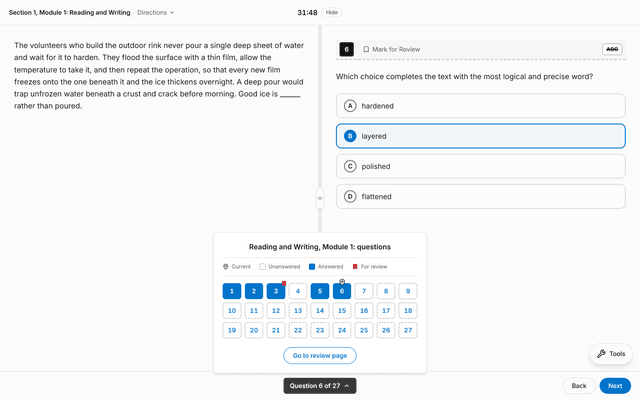
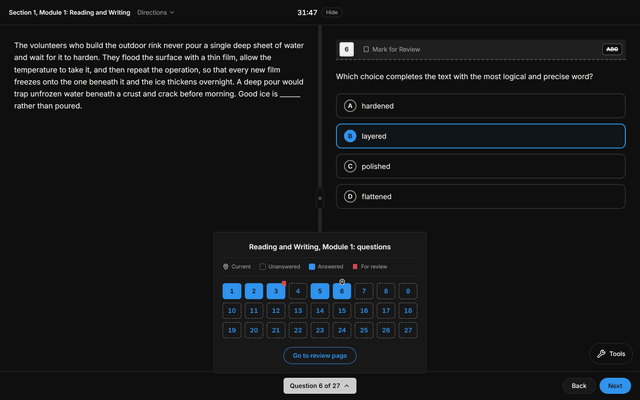
The question menu at the bottom of the runner shows every question in the module — answered, still blank, or marked for review. Selecting one goes straight to it.
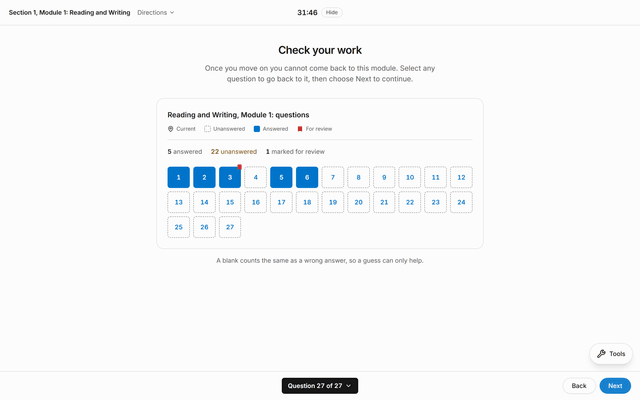
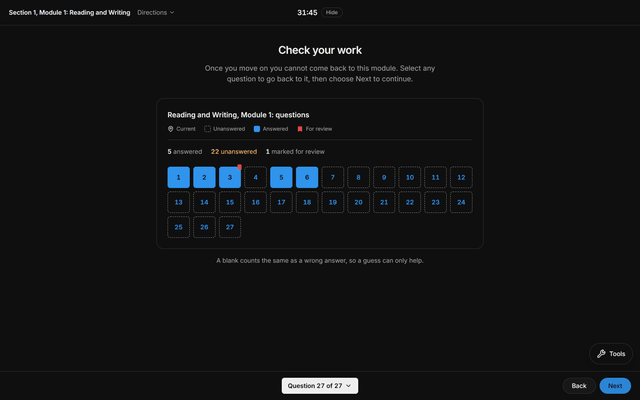
Check your work, at the end of the module, is the same grid with the counts spelled out. Work the flagged ones first, then the blanks.


Once you submit, the attempt is scored and closed. There is no un-submitting, because the real exam has no un-submitting.
Did this answer your question?
If not, ask — answered questions are added to this help centre.